
Release Notes 001: An Improved Summary Component
What's New?
This week, work went into improving the summary module to make it provide an overall better user experience. The previous version provided little to help with iterating over improvements in notes as well as providing little visual cues for where your summary is and where it will be inserted. The new one attempts to tackle these issues and is much better! Also, there have been improvements to the Scribby Editor on mobile so that applying styles and inserting modules is now a seamless experience.
The New and Improved Summary Module
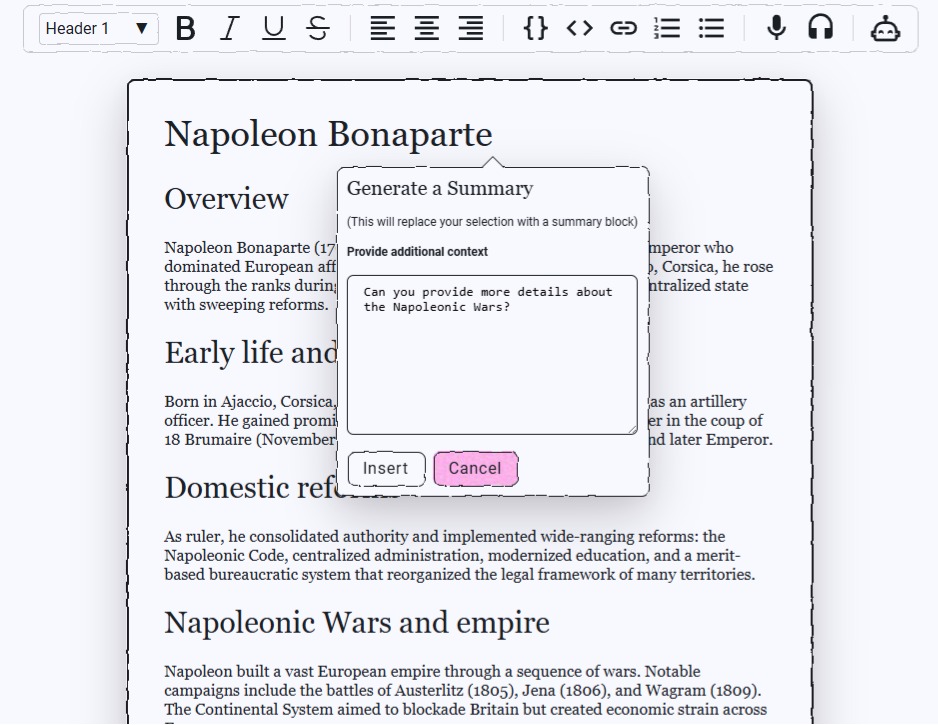
 The new module allows you to first provide additional context to your selections so that the response can be better molded to your needs. For example, let's say you were taking notes in class on the life of Napoleon Bonaparte and you needed more focus on the Napoleonic Wars. You could drop a summary component directly into your notes and and ask Scribby directly to provide more breadth of information on the topic.
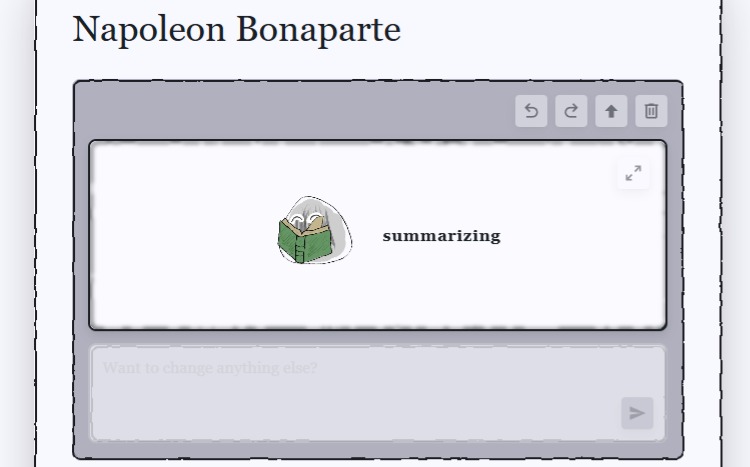
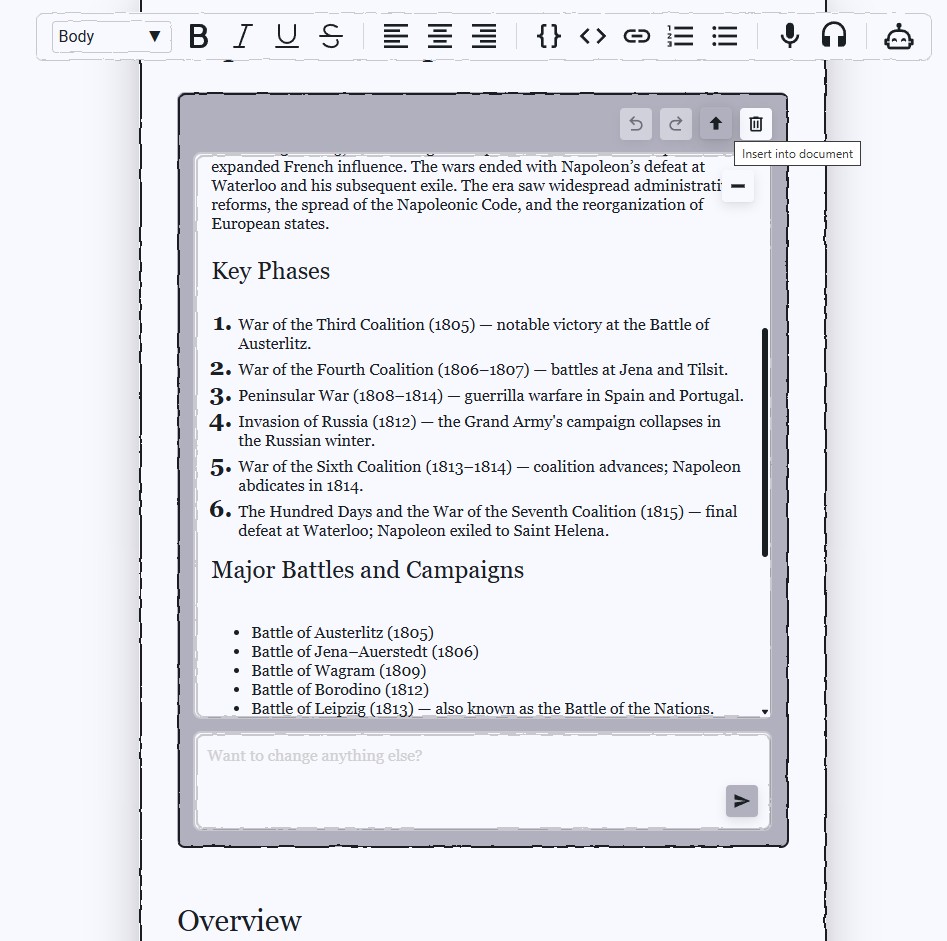
 After taking some time to generate the summary, all of the additional changes will appear within the module. Here, you can continue to edit and suggest changes as well as return to previous summary generations. After you are done, you can insert the summary directly into your notes. I believe this additional functionality will enable much more detailed, focused, and accurate summaries to be generated.
Other fixes
- Audio playback no longer intermittently fails on mobile.
- The toolbar no longer pulls focus from editor.
- Inline modules no longer lose focus on click.
- Notes can no longer go down to zero text nodes preventing additional editing.
- Overlays are always visible even on periphery of Scribby Note.