
Release Notes 002: Introducing Drawing Canvases
What's New?
Throughout my entire education I have had a preference for real life paper but with that medium comes a lot of limitations. It is hard to edit, copy, and share and in those regards digital notes and study materials reign supreme. One of the goals with Scribby is to make it the digital analogue for paper notebooks and files. I want to keep what makes those great while also combining them with what makes technology great. Do you know what is missing from most notetaking software? Doodling and customization.
My notebooks growing up were full of drawings in the margins, on the covers, and in between notes. My folders were covered with stickers and more doodles. It gave me something to do when class was too boring or I needed a break and it also gave me a creative outlet. Drawings within notes can also provide a clearer picture of the material being learned. The saying "a picture is worth a thousand words" is said for a reason. Yes, any good notetaking software must have doodling enabled which is why I am proud to announce the addition of background and inline canvas blocks to the Scribby Directory and Editor.
Canvas Blocks! What can they do?
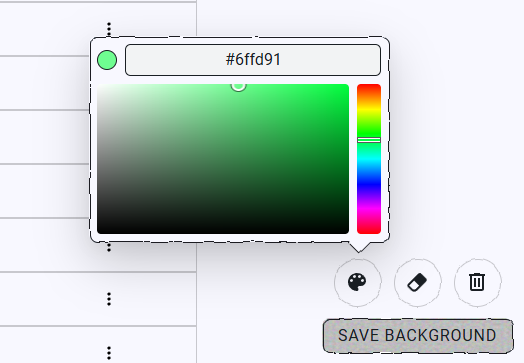 The first thing you will notice, is that every page has three buttons on the bottom right which allow you to choose the color of your pen, erase any mistakes and clear out your drawings if you want a fresh slate. This page, and every page on the Scribby site is your canvas. You can add whatever you want in the margins of the page. In addition, on editor, notecard, and directory pages you can even save your creation and add to it in the future.
 In addition to the background canvas on every page, the Scribby Editor not has inline Canvas blocks that you can place within your notes. Need to draw a diagram on the fly? Want to create an illustration of an aardvark for your zoology class? Want to draw anything else? You can do whatever you like! Also, your creations are saved within your documents so when you share your notes your illustrations are shared as well.
Future additions
Do you like this change but want something more out of it? Feel free to reach out on Reddit, Discord, or contact us. I would love to get feedback from users like you to make Scribby great! In the next Scribby release, code blocks are getting runtimes, which means you’ll be able to run your code directly in the browser!